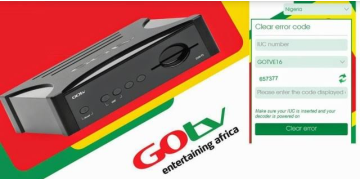
The small light on the front of a GOtv decoder is trying to tell you something specific, but most people only notice it once something has already gone wrong. Each color, and whether it’s blinking or solid, points to a different cause, from an unpaid subscription to a loose cable to a genuine internal fault.
This guide breaks down exactly what each light means and gives the specific fix for each one, including a few problems that show up constantly in reader questions but rarely get a clear answer anywhere else.
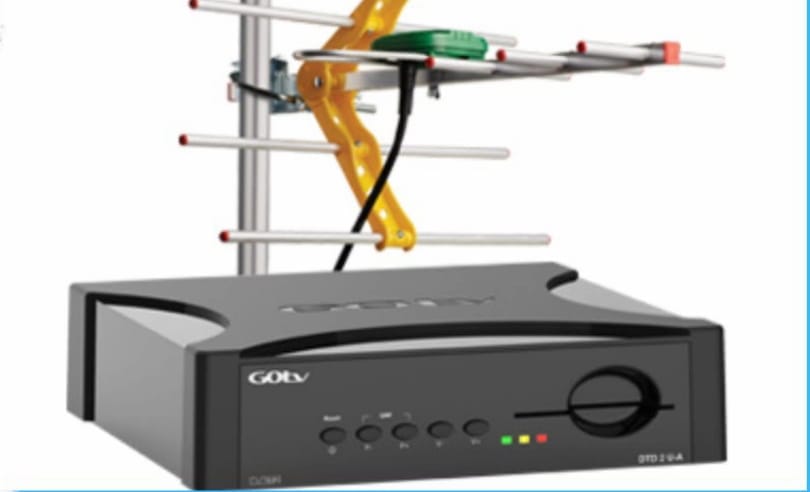
What the Red Light Means
A solid red light almost always means your subscription has expired or your account is disconnected. Pay your subscription through any of GOtv’s usual payment channels, and the decoder should reconnect automatically within a few minutes once payment is confirmed.
If the red light stays on after you’ve confirmed payment went through, check the power connection next. Make sure the cable is firmly seated in both the wall outlet and the decoder, and try a different outlet if one is available, since a weak or inconsistent power supply can keep the decoder stuck on this light even after a successful payment. 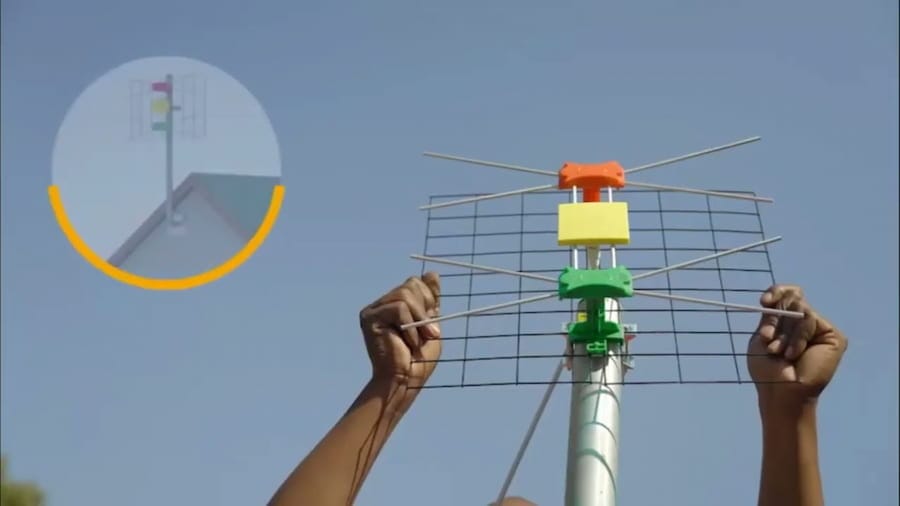
What the Orange or Yellow Light Means
This is the color that causes the most confusion, because it means different things depending on the situation. Most commonly, a solid orange or yellow light simply means the decoder is in standby mode, similar to a computer left in sleep mode rather than fully powered off.
Orange Light With a Notification
If the orange light appears alongside a mail icon on your TV screen, GOtv has sent you a message, usually related to your account or an upcoming promotion. Press Menu on your remote, go to Mail Message, read it, and press the red button to delete it. The light should return to normal once the message is cleared.
Orange Light With No Signal
If the orange light is blinking and the TV shows “No Signal” or the scan stalls partway through, this points to a weak connection between your antenna and the decoder rather than an account issue. Check the signal reading by pressing Menu, then Advanced Options, then Signal Information. Aim for signal strength around 60 percent or higher, with quality as close to 100 percent as possible.
If the numbers are well below that, check the coaxial cable connector at the back of the decoder first. A very common cause is the thin center wire inside the connector not being exposed enough to make proper contact. If the connector looks fully seated but the reading is still poor, reposition the antenna itself, making sure nothing like a tree branch, wall, or roofline is blocking its view of the sky.
What the Green Light Means
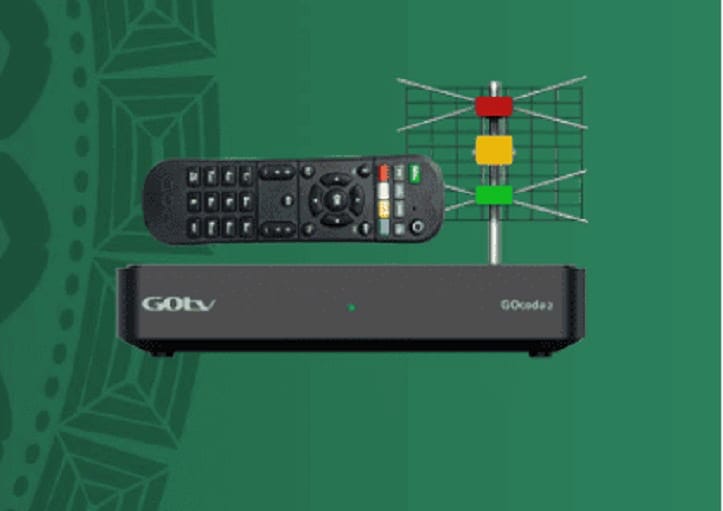
A solid green light is the normal, healthy state, meaning the decoder is actively tuned to a channel and everything is working as expected. A green light that blinks briefly each time you press a remote button is also normal, since it simply confirms the decoder is receiving your remote’s signal.
If the green light is blinking continuously on its own, with no picture showing and the remote seemingly unresponsive, unplug the decoder from the power source for about two minutes, then plug it back in. This clears a stuck state that a blinking green light sometimes gets left in after a brief power interruption.
Red and Green Lights Blinking Together
This combination is different from the others, since it points to an internal fault in the decoder itself rather than a signal or account issue. Unplugging and restarting the decoder is worth trying first, but if the combination keeps returning, this is one of the few situations where a trip to a GOtv service center is genuinely the next step rather than something to keep troubleshooting at home.
How to Clear Error Code on GOTV – Error E48-32, E016, E17 and E32
Decoder Stuck in a Restart Loop
If your decoder shows a logo, briefly cycles through orange, green, and red, then goes back to “No Signal” and repeats the cycle, this is often the result of a software update that got interrupted, usually by a power outage during the download. Do not unplug the decoder while a software download is actively in progress, since this is exactly what causes the loop in the first place.
If the decoder is already stuck in this pattern, leave it powered on and connected for at least 30 minutes, since it will often complete the interrupted update and recover on its own. If it’s still cycling after that, a full unplug for two minutes, followed by a fresh restart, resolves it in most remaining cases.
When to Contact GOtv Directly
Most light-related issues trace back to one of the causes above, but a few situations are worth escalating rather than continuing to troubleshoot alone. A decoder that won’t power on at all despite a confirmed working outlet and cable, or one that keeps showing the red and green combination after multiple restarts, likely has a hardware fault that needs a technician’s attention.
Knowing what each light actually means turns a confusing blinking pattern into a clear next step, whether that’s paying a subscription, adjusting an antenna, or simply waiting out an interrupted update. Working through these in order, starting with the simplest explanation for the color you’re seeing, will resolve the vast majority of cases without a service center visit. For account-specific issues like a payment that isn’t reflecting after several minutes, GOtv’s official GOtv Africa support page has current contact channels by country.

Frenzy valentine is a passionate blogger, developer, and entrepreneur. He is the founder and author of myfreshgists.com.
My Got is on orange indicator for a week now, showing no signal, what should I do
My gotv decoder is blinking green light and I can’t even use my remote
My Gotv is on orange indicator for 3 days now showing no signal. Whats the solution?
My gotv is showing orange light
My gotv is showing a blinking green light with volume bar displayed on the Tv screen. how do i fix it.
Mu decoder is showing orange and red light what might be a problem?
My decoder is doing on and off
Gotv showing only orange colour not coming on, and there is sufficient power supply and remote is working well, but no response from the Gotv when the remote is being pressed.
My gotv decoder show only orange light but not working
My gotv didn’t display on my TV what could be wrong?
Please my gotv is showing only orange color light but does not display, it doesn’t not turn off just that orange color what will I do?
My gotv showing only orange light on decoder and nothing showing on the TV. Please what do I do.
My go tv keep blinking green light and it keep changing channels but when I hold particular number it will show channel but will keep changing channels
My Gotv is going on and off while working I want solutions please
My GOTV keeps showing orange light with no display on the TV I have unplugged and plugged back in but still no display
My decoder is just showing green lite and the green lite is just blinking and didn’t display any channels and the remote can work since the green light is blinking, what should I do?
Confirm you have a sufficient power supply
My gotv blinks red and green lights, the stops it doesn’t display channel and it goes off again and again….. Please what’s the problem with it?
Av travel for a while leaving my gotv decoder unused for about eight months now . I didn’t know why the decoder is only showing red light and not displaying
My gotv is showing only red light how do I fix it
Unplug it from light and plug it back after some minutes
Good morning, please my Gotv decoder is showing only orange color light and nothing more please what should I do
It means you have unread messages, simple go to the message section and check it out
Pls why is my recorder showing red and green and also not coming on?
Try rebooting your decoder. Unplug it from the power source and leave it for five minutes before plugging it back
Goodevening please it been long I subscribed and when I turned my decoder on it showing a standby yellow light, I fixed it again it started working all of a sudden it turned of and showed green, yellow, red light at once , I removed from the plug and fixed it back now it showing yellow light what do I do please am tired already please
Fantastic work like wild fire.I have replaced my GOTV decoder charger it is working very fine.
Was working well before now and after My GOTV when booting start with orange turn green and few second show red,orange and green show orange no signal and start loading again show no signal
My gotv shows green light but doesn’t display anything
Hello Collins, where exactly is the green light showing? If its on the decoder, you should check your connection to the antenna, and if its on screen, restart and update your GOTV software
My go tv red and green light goes on and off and the logo is displayed for a while then disappears
Hello Nancy, this could be as a result of power outage during update. To fix it, reboot your GOTV decoder and then update the software when the options pops out. You can also update it in the settings
Pls when I gotv is on it does not show anything but when I turn it off it slightly shows an orange light
Its signal error, check if the antenna is properly connected. Confirm the rf connector is properly connected at both ends (antenna & tv?)
My gotv is showing a red light without displaying anything on tv, please what di i do???
Hello Jane, adjust your antenna and confirm if its in proper condition
Pls my gotv decorder has been blinking orange color since morning and is showing no signal on TV. What do I do
Check the position of your antenna. Check the coaxial cable and confirm if the f-connector is connected to both the antenna and the decoder
My gotv displays only the logo…
But does it show anything before displaying the logo? If not, the fault could be from the Gotv antenna. Adjust the antenna and ensure it’s not obstructed by any tree or building
Please my gotv decoder is blinking orange light with no signal 📶 on TV.. What can I do
Check the coxial cable, the end that connects to the decoder. Ensure that the small lead inside is long enough. If its not, tear out some outer layer of the coxail cable.
My gotv is showing a red light without any display, what do I do
Check your antenna, there is a loose connection in your antenna, check the lnb cable, tear out the end that connects to your decoder so that the tiny let inside will be long enough to enter your decoder
pls my gotv kips blinking red and green light with out displaying on d tv. What shld I do?
Turn off your decoder, unplug it for 2 minutes, plug it back and turn it on again
My gotv is showing orange light and also showing no signal on tv what should i do
Check ur rf connector and see if its well connected to your decoder. Peal of the cable to make the small thin wire inside to be long
My gotv has Orange. Light and is not displaying what do I do
It went out of signal .. Unplug it and plug it back.. If the case persist, send me a mail at myfreshgists@gmail.com
My gotv is showing a red light without any display, what do I do
A message was sent to me to upgrade my decoder I did so but the decoder keep bringing red light only without any display on the TV
Contact GOTV customer care if the issue persist after turning it off and on again