Getting locked out of Amazon Flex can feel sudden and unfair, especially when you rely on it for income. One day you are picking up blocks, and the next you get an email saying your account has been deactivated. The good news is that many deactivations can be reversed if you understand why they happened and respond the right way.
This guide walks through the two types of Amazon Flex deactivation, the most common causes, and exactly how to put together an appeal that has a real chance of getting your account back.
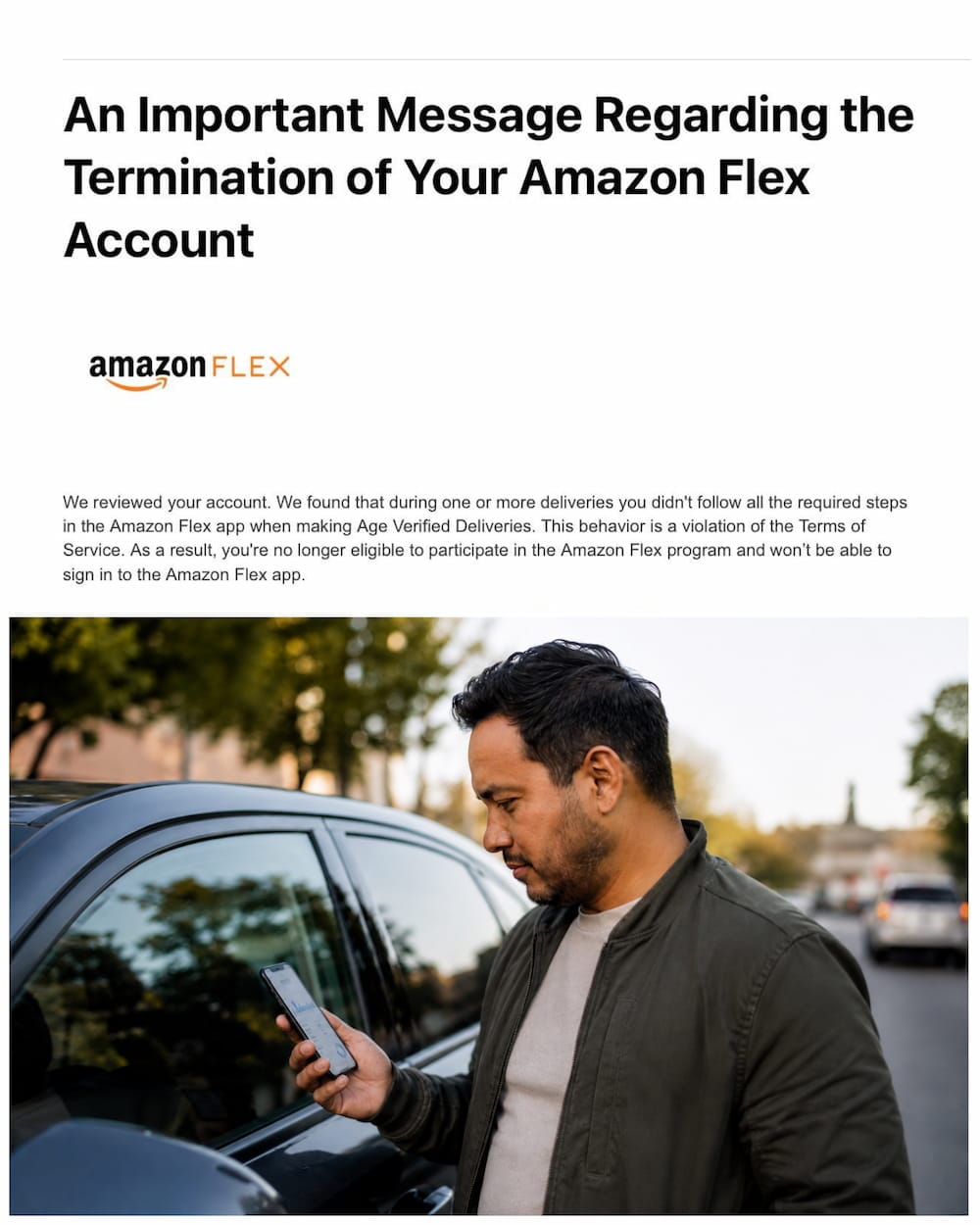
Why Amazon Deactivates Flex Accounts
Amazon Flex deactivations fall into two categories. One is temporary, where your account is paused for a set period. The other is permanent, where Amazon ends your contractor agreement entirely. Knowing which one applies to you changes how you should respond.
Common Reasons for Temporary Deactivation
Temporary deactivations usually come from performance issues rather than serious misconduct. Late deliveries are one of the biggest triggers, especially if a pattern builds up over several weeks. Amazon also tracks whether packages marked as delivered actually reached customers.
Repeatedly tapping “I’m at the location but my GPS isn’t working” can also raise flags. Amazon treats this as a possible attempt to avoid honest check-in times, and doing it often enough can lead to a review of your account.
What Leads to Permanent Deactivation
Permanent deactivation is more serious and harder to reverse. Missing too many scheduled blocks without cancelling, or being consistently late for shifts, can push Amazon to end the relationship for good.
Using third-party apps that automatically grab delivery blocks is another major cause. Amazon classifies this as a violation of its independent contractor terms, and it is one of the least forgiving categories. If your deactivation notice mentions unauthorized software, bots, or a duplicate account, treat it as a serious case rather than a simple appeal. Quick Way To Recover Lost Amazon Gift Card Today
How to Reactivate Your Amazon Flex Account
If you receive a deactivation email, do not panic and do not send an appeal right away. Amazon typically gives you a window of about ten calendar days to respond with more information, so take time to prepare a strong response instead of a rushed one.
Review the Deactivation Notice Carefully
Read the email from Amazon line by line. It should list the specific dates, blocks, or incidents that led to the decision. This is the foundation of your appeal, since a generic response that ignores the details Amazon raised is unlikely to help.
If the notice references a delivery you genuinely completed, gather any proof you have. Screenshots of the delivery confirmation, GPS history, or customer communication can support your case.
Write a Strong Appeal Email
Once you understand the reason for deactivation, write a clear and honest response. Address each point Amazon raised individually instead of writing one general paragraph. Explain what happened, take responsibility where it applies, and describe exactly what you will change going forward.
Keep the tone calm and professional throughout. Avoid blaming Amazon’s app or customers, even if technical issues played a role. A short, specific, and respectful email reads better than a long emotional one.
You typically get one real opportunity to make your case, so proofread the email before sending it. Cutting it down to the essentials usually works better than trying to cover every possible angle.
Where to Send Your Appeal
Deactivation appeals generally go to amazonflex-appeals@amazon.com, while general account questions can go to amazonflex-support@amazon.com. Use the email address linked to your Flex account when you send your appeal, since this helps Amazon match it to your file faster.
Sending your appeal from an unrelated email address, or splitting your explanation across multiple messages, can slow the review down or cause confusion.
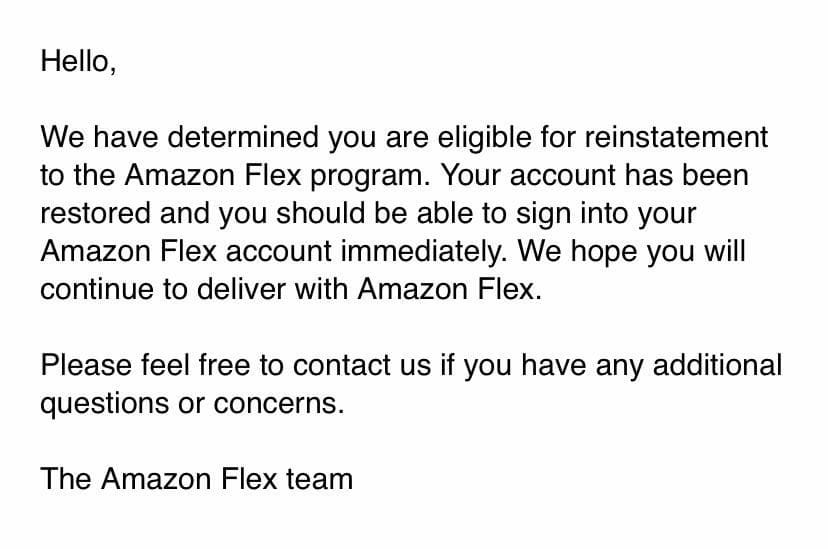
How Long Does Amazon Flex Reactivation Take
There is no fixed timeline. Some drivers report hearing back within a day or two, while others wait several weeks. A few report never getting a response at all, particularly when the deactivation involved a serious policy violation.
Sending repeated follow-up emails during this window usually does not speed things up and can sometimes work against you. One clear, complete appeal is generally more effective than several rushed ones.
What to Do While You Wait
Check your Flex account and email regularly, since updates often arrive there before anywhere else. If Amazon approves your appeal, the app itself may take a little extra time to fully reactivate, so avoid scheduling blocks the moment you get the approval email.
Give the app a few hours to sync before booking your first shift back. Once you are active again, try to schedule blocks a day in advance rather than at the last minute, so you do not risk missing one right after reactivation.
Reducing the Risk of Future Deactivation
Once you are back on the platform, small habits make a big difference. Arrive on time for scheduled blocks, and cancel as early as possible if you genuinely cannot make one. Avoid relying on the GPS excuse unless it is a real technical problem, since Amazon tracks how often drivers use it.
Stick to Amazon’s official app and avoid any third-party tools that promise to grab blocks automatically. Even if a violation was accidental the first time, a second one in the same category is far less likely to be forgiven.
Losing access to Amazon Flex is stressful, but most temporary deactivations and many permanent ones can be reversed with a clear, well-documented appeal. Read the notice carefully, respond to the specific points Amazon raises, and give the process time to work before assuming the worst. For drivers who want to compare notes on real appeal outcomes, the Amazon Flex Drivers community on Reddit is a useful place to see how similar cases have played out.

Frenzy valentine is a passionate blogger, developer, and entrepreneur. He is the founder and author of myfreshgists.com.
All of my Información check out thought checkr.But i was deactivated.
Can Simeone please let me no what happen. and how to get reactivated.
Thank you Avilla
Please Re-activ the my Amazon flex id
Follow the article carefully to get your Amazon flex account reactivated