An Xfinity box showing a blinking light or an error code is usually telling you something specific, and the fix depends entirely on which box you have and which code you see. Most problems clear in a few minutes once you know which one you are dealing with.
On This Page
- First, which box do you have?
- What the blinking lights mean
- The restart that fixes most codes
- Common error codes and their fixes
- When to run a System Refresh
- Common questions
First, Which Box Do You Have?
Xfinity boxes fail in two different ways depending on type. Older X1 boxes connect by coax cable and throw errors tied to the cable signal. Newer Xi5, Xi6, and Flex boxes are wireless and depend on your internet gateway, so their errors are almost always the home network, not the cable line.
Check the back of the box. If a thick coax cable screws into it, you have a wired X1 box, and cable and signal checks matter most. If it connects only by a power lead and an HDMI cable, with no coax, it is a wireless box, and your gateway and Wi-Fi are the first things to check.
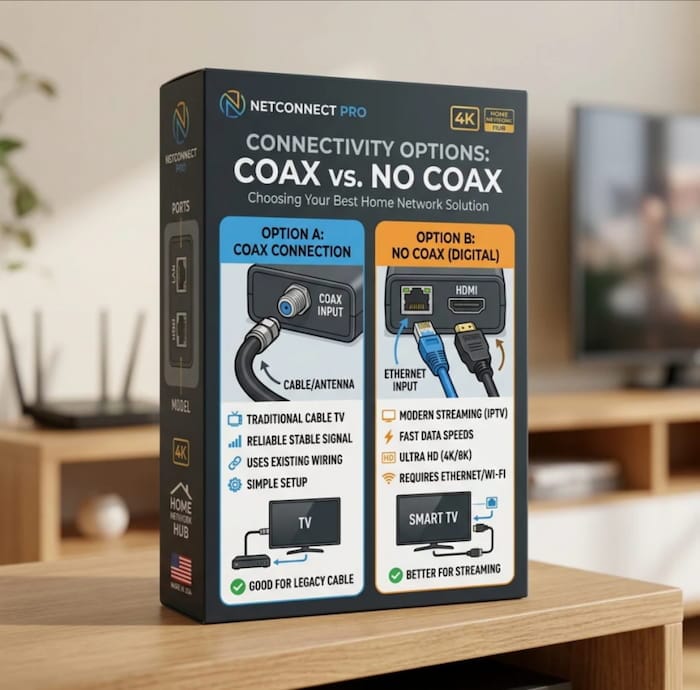
This single distinction decides which fixes below apply to you, so it is worth thirty seconds to confirm.
What the Blinking Lights Actually Mean
Unlike some decoders, Xfinity boxes carry very little information in their blink patterns. A blinking or colour-changing light usually means the box is starting up, updating, or has lost its connection. The real diagnosis is the error code on the screen, not the light.
A box blinking during startup or after a power cut is normal for the first few minutes while it reconnects and loads the guide. Leave it alone for five minutes before assuming a fault.
If the light keeps blinking with no picture after that, and especially if the screen shows a code, treat the on-screen code as the thing to act on. The sections below are organised around those codes.
The Restart That Fixes Most Codes
Most Xfinity error codes clear with a proper restart. Unplug the box from power, wait one to two minutes, then plug it back in and allow up to five minutes for it to fully reload. Do not interrupt it while it restarts.
There are three ways to restart, and the unplug method is the most thorough.
You can also say “Restart TV Box” into an Xfinity Voice Remote, or hold the power button on the box itself if it has one. And when an error appears on screen with a “Restart All” button, selecting that restarts every box in the house at once, which is often what a connection error actually needs.
Before you restart, check the physical connections. On a wired X1 box, make sure the coax is screwed in finger-tight at both the wall and the box. On a wireless box, make sure the cables to your gateway are secure. A loose connection causes most of the codes below, and no restart fixes a loose cable.
Common Xfinity Error Codes and Their Fixes
Here are the codes people see most, what each one means, and the specific fix. Work through the connection check and restart first, since they resolve the majority.
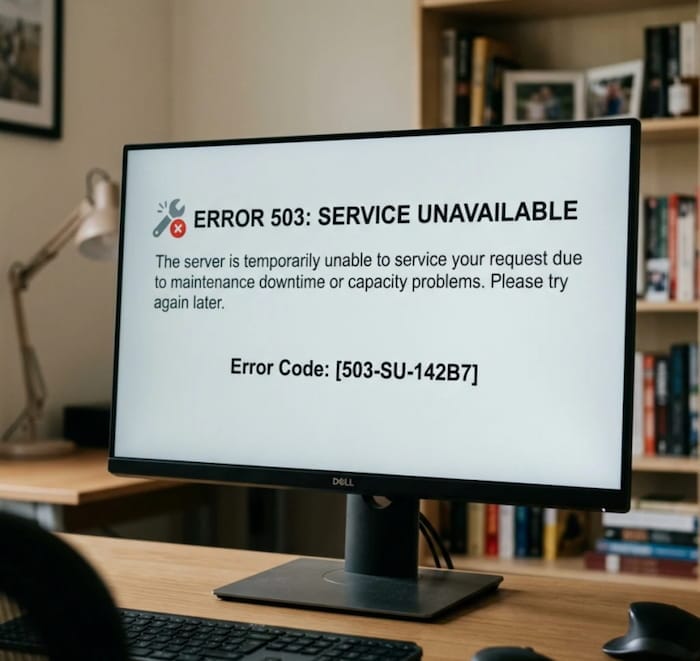
| Error code | What it means | First fix |
|---|---|---|
| RDK-03003 | Box cannot connect to Xfinity TV | Reseat cables, restart the box |
| RDK-03117 | Wireless box not reaching the gateway | Secure gateway cables, restart gateway then box |
| RDK-03033 | Wireless box lost its internet connection | Restart gateway, move box closer if far |
| RDK-10000 | General “not quite right” connection fault | Tighten connections, restart, then call if it stays |
| XRE-03041 / 03042 / 03044 | “Sorry, we’re having some trouble” | Select Restart All, check connections |
| XRE-03007 | Account or billing issue | Check your billing, contact Xfinity |
| XRE-00250 | Fault needing Xfinity to fix it | Contact Xfinity support |
| XRE-02022 | Voluntary disconnect on the account | Check account status, contact Xfinity |
Two patterns are worth noticing in that table. The RDK codes are connection faults, and on a wireless box they point at the gateway more often than the box itself. The XRE codes that mention billing or disconnection are account problems that no amount of restarting will fix, so those go straight to Xfinity.
If the code appears in the middle of the night
Boxes update themselves overnight, and a code that shows up around the same late hour each night, then clears, is usually tied to that update rather than a fault on your side. If it persists into the daytime, treat it as a real connection problem and work through the restart and cable checks.
When to Run a System Refresh
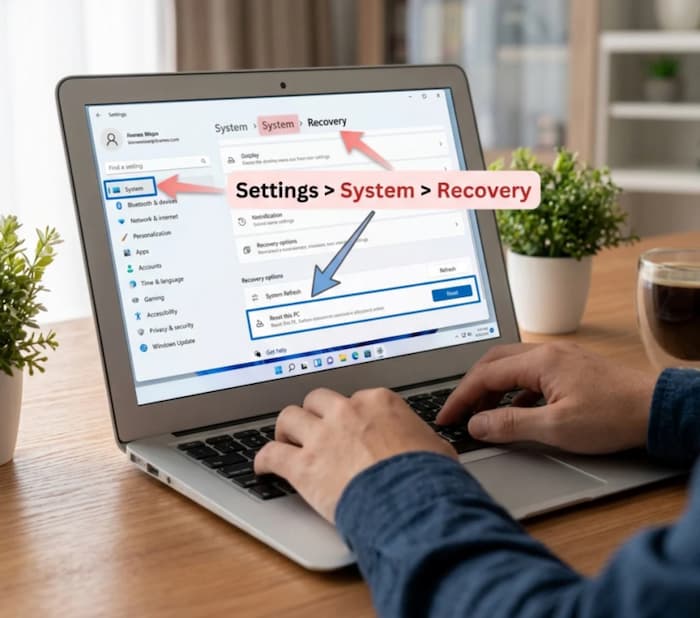
If restarting does not clear a guide or channel problem, a System Refresh resets all the boxes in your home and often fixes what a single restart cannot. Run it from the main menu under Help, then System Refresh, or through the Xfinity app.
A System Refresh takes longer than a restart, up to around ten minutes, and interrupts every box in the house while it runs, so do it when nobody needs to watch. It is the right step for missing channels, a frozen guide, or a box that restarts cleanly but still misbehaves.
It is not a factory reset and does not erase your recordings or settings. It simply reloads everything from Xfinity’s end.
Common Questions
What does RDK-03117 mean on Xfinity?
It means a wireless TV box cannot reach your internet gateway. Check that the cables on the gateway are secure, restart the gateway, then restart the box. If the box sits far from the gateway, moving it closer often resolves it, since the connection is wireless.
Why is my Xfinity box blinking blue?
A blinking light during startup, an update, or after a power cut is normal for a few minutes. If it keeps blinking with no picture after five minutes, check for an on-screen error code and work through the restart and cable checks, since the light alone does not identify the fault.
How do I restart my Xfinity cable box?
Unplug it from power, wait one to two minutes, and plug it back in, allowing up to five minutes to reload. You can also say “Restart TV Box” into the Voice Remote, or select Restart All if an error appears on screen.
Why does my Xfinity box keep saying “we’re having some trouble”?
That message, usually an XRE-03041, 03042, or 03044 code, points to a connection problem across your boxes. Tighten your cable connections and select Restart All. If it returns daily, Xfinity may be working on an issue on their end, so trying again the next day is worth it before calling.
Will a restart delete my recordings?
No. Neither a restart nor a System Refresh erases recordings or settings. Both simply reload the box. Only a full factory reset clears your content, and the steps here do not do that.
Working Through It in Order
Identify your box first, since wired and wireless boxes fail differently. Check the connections, then restart with the unplug method. If a guide or channel problem survives that, run a System Refresh. And when the code is about billing or a disconnect, skip the troubleshooting and contact Xfinity, because those are account problems the box cannot fix.
For the exact message attached to any code you see, and for current outage information in your area, Xfinity’s official X1 error code support page lists each one with its latest guidance, which is worth checking before you call.

Frenzy valentine is a passionate blogger, developer, and entrepreneur. He is the founder and author of myfreshgists.com.