If your internet has ever dropped at 7:15 on a Friday night with a full dining room and six DoorDash orders stacked up, you already know why this guide exists. Most “best business internet” articles target office buildings full of people checking email. Restaurants run a different game entirely. You’re processing cards through a POS system, sending tickets to a kitchen display screen, juggling delivery tablets that never stop buzzing, and hosting forty guests who all want to stream something the second they sit down.
This guide answers one question: what internet setup actually holds up during your busiest hour, not your quietest one? We’ll break down what restaurants really need, compare fiber, cable, and 5G fixed wireless specifically for food service, explain why you need to separate your guest WiFi from your POS network, and show you how to build a backup plan that won’t blow your budget.
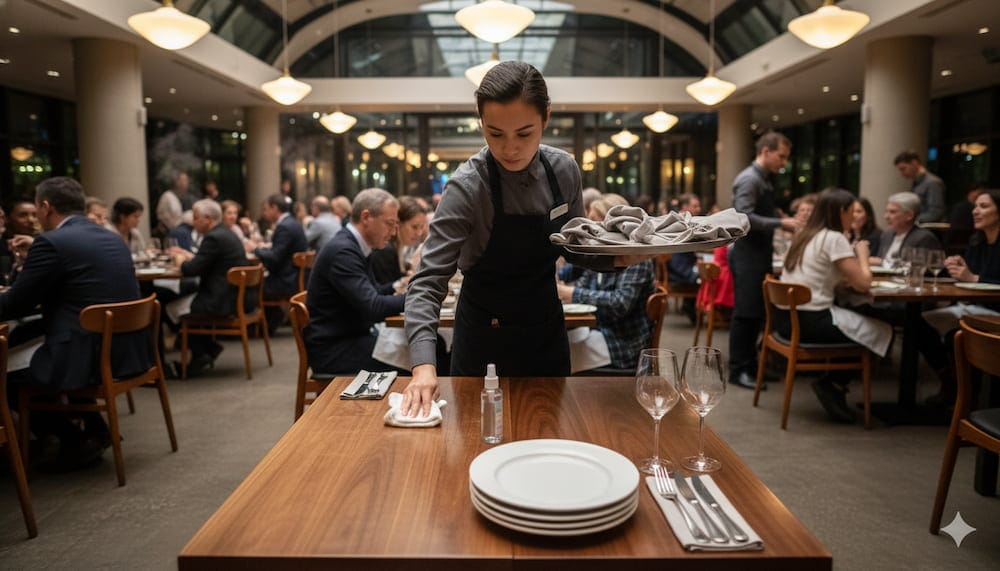
Why Restaurants Need a Different Internet Strategy Than Other Small Businesses
A law office can survive a slow connection for an afternoon. A restaurant can’t, because an internet failure doesn’t just slow things down — it stops revenue on the spot. When your connection drops during dinner rush, you’re not facing one problem. You’re facing four at once:
- Card payments stall or fail, forcing guests toward cash and slowing every table behind them
- Online orders stop syncing, so DoorDash, Uber Eats, and your own website keep accepting orders your kitchen never sees
- Kitchen display screens and printers lose connection, which creates missed tickets and duplicate orders
- Guest WiFi goes down, and guests notice immediately — they use it to split checks, pull up loyalty apps, or simply expect it to work
Industry estimates put the cost of an internet outage during a restaurant’s lunch or dinner rush at roughly $500 to $1,500 per hour in lost sales, before you count comped meals, refunded delivery orders, or the review that follows. That number explains why “good enough for browsing” internet falls short for a restaurant.
The Bottleneck Most Owners Miss: Upload Speed
Most people shop for internet based on download speed, because providers advertise that number loudest. But almost everything critical in a restaurant depends on upload speed: sending a card transaction for authorization, pushing an order from your POS to the cloud, syncing inventory, or streaming security camera footage offsite. A connection with fast downloads and weak upload can still choke during rush hour, even when the plan looks fast on paper.
Remember this when you compare plans: ask about upload speed and whether it’s symmetric before you even look at the download number.
What a Restaurant Internet Setup Actually Needs to Handle
Before you compare internet types, look at what you’re actually asking your connection to do on a normal Friday night. A single-location, full-service restaurant typically runs all of this at once during peak hours:
- 1–4 POS terminals processing transactions continuously
- 1–3 kitchen display screens or ticket printers
- 2–4 delivery platform tablets (DoorDash, Uber Eats, Grubhub), each pinging constantly
- Security cameras, often uploading footage to cloud storage
- Background office tasks like payroll, ordering, and email
- Guest WiFi serving anywhere from a dozen to 100+ simultaneous devices
None of that is exotic on its own. But stacked together during a two-hour rush, it adds up to sustained upload and download demand your connection has to absorb without stuttering. Plan for your busiest 90 minutes, not your average day.
Minimum Bandwidth Guidelines by Restaurant Size
Here’s a simple guide based on restaurant type:
- Small café or quick-service (1–2 terminals): 100–200 Mbps download and 20–50 Mbps upload. Add more if you offer guest WiFi.
- Full-service restaurant (3–5 terminals + guest WiFi): 300–500 Mbps download and 50–100 Mbps upload. Delivery tablets and cameras increase usage quickly.
- Multi-location or high-volume restaurant: 500 Mbps to 1 Gbps download with 100+ Mbps upload, ideally symmetric. Dedicated business fiber is usually the better choice here.
Treat these as starting points. A busy bar with heavy POS traffic and streaming needs should aim for the higher end even if it’s small.
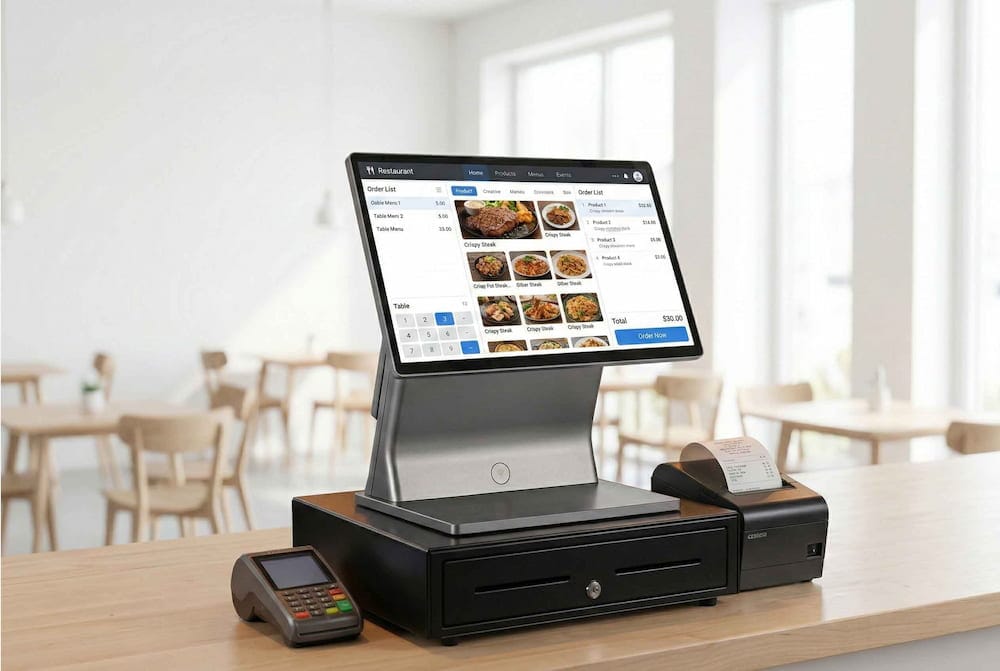
Fiber vs. Cable vs. 5G Fixed Wireless: What Actually Works for Restaurants
This comparison matters most because the type of internet you choose affects reliability, upload performance, and how well you survive a bad night.
Business Fiber
Fiber is the best option for most restaurants when available. It offers symmetric speeds, meaning upload matches download. This matters for card payments, order syncing, and camera uploads. Fiber also usually comes with better service-level agreements. The main downside is availability — it’s still patchy in many areas.
Business Cable
Cable is widely available and works fine for smaller restaurants with moderate transaction volume. However, it has one consistent weakness: upload speeds are usually capped at 10–35 Mbps even on higher download plans. This becomes noticeable during rush hour when multiple POS terminals, kitchen displays, and delivery tablets are running at the same time. Cable also shares bandwidth with nearby homes and businesses, which can slow things down during peak evening hours.
5G Fixed Wireless
5G fixed wireless works well as a backup connection because it installs quickly and runs on completely different infrastructure. As a primary connection, it is riskier. Speeds can vary depending on tower congestion and weather. It is best used for food trucks, pop-ups, or as a failover line rather than the main connection for a busy full-service restaurant.
Cox Business Is Becoming Spectrum — What That Means for Customers in 2026
Why Network Separation Isn’t Optional for Restaurants
Here’s a scenario that plays out more often than most owners realize. A restaurant’s guest WiFi goes down on a busy night. A well-meaning staff member connects the guest WiFi router directly to the office network so customers can get back online. It works temporarily. Weeks later, the bank calls because card data was compromised through that connection. Cases like this have closed restaurants.
That is the risk of running guest WiFi and your POS on the same network. If a guest’s infected phone can reach your POS terminal, it creates a real security problem.
The Fix: Put Guest WiFi and POS on Separate Networks
Keep your guest WiFi and business systems (POS, kitchen printers, office computers, cameras) on separate networks that cannot talk to each other. This is called VLAN segmentation.
In practice, do this:
- Guest network should only allow internet access with no visibility into your other devices.
- POS and business network should be locked down and firewalled off from guest traffic.
- Use a modern business-grade router or firewall that has a built-in “guest network” feature. This creates the separation automatically.
A properly segmented guest network also helps keep that traffic out of PCI-DSS compliance scope. Ask your provider or IT person directly: “Is my guest WiFi isolated from my POS network?” If the answer is unclear, fix it soon.

Building a Backup Plan That Doesn’t Break the Bank
An hour of downtime during rush can cost a busy restaurant $500 to $1,500. A backup connection often pays for itself the first time you need it.
The Simple, Affordable Option: Cellular Failover
Most independent restaurants should install a 4G or 5G LTE backup router. Here’s how it works:
- Your main connection (fiber or cable) handles normal operations.
- A backup router with a cellular data plan stays ready in the background.
- If your main connection drops, the router automatically switches to cellular within seconds.
Expect to pay $50–$150 per month for the data plan plus the cost of the router. This is usually enough to keep your POS and online ordering running until your main connection returns.
Why the Backup Needs to Run on Different Infrastructure
Your backup only protects you if it can fail independently from your main connection. Two cable lines from the same provider or connections that run through the same physical path can go down together. A cellular backup solves this naturally because it uses cell towers instead of cable or fiber lines.
Your Decision Framework: Fiber vs. Cable vs. 5G
Use these steps to choose the right setup for your restaurant.
Step 1: Check what is actually available at your address
Fiber is still not available everywhere. Confirm real availability before making plans.
Step 2: Match your primary connection to your restaurant type
- If fiber is available at your location, make it your primary connection.
- If fiber is not available but cable performs well in your area, use cable as primary and add a backup.
- If neither wired option is reliable, use 5G fixed wireless as primary but understand it can vary during peak hours.
Step 3: Add a backup no matter what you choose as primary
- For most single-location restaurants on a budget, install a cellular LTE/5G failover router.
- For multi-location or high-volume operations, consider dual-ISP with genuinely separate infrastructure.
Step 4: Separate your networks before worrying about backup connections
A backup line won’t fix a flat network where guest WiFi can reach your POS. Fix network separation first.
Step 5: Confirm upload speed, not just download
Ask directly: “What is my guaranteed upload speed, and is it symmetric?” If the answer is unclear, keep shopping.
Step 6: Test during your actual rush
Run a speed test at 7 PM on a Friday, not 10 AM on a Tuesday. Your real bottleneck only shows up under real load.
Internet is now infrastructure for a restaurant, not just a convenience. Treat the decision with the same seriousness you would give a walk-in cooler or POS system, because when it fails, the impact hits just as fast.

Frenzy valentine is a passionate blogger, developer, and entrepreneur. He is the founder and author of myfreshgists.com.